OnePlus’s second tablet trims specs but keeps the look
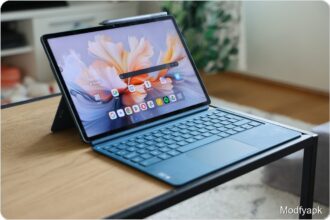
OnePlus’s second tablet looks a lot like the pricier OnePlus Pad, but it arrives at about a couple hundred euros less. The more affordable OnePlus Pad Go, introduced in April, targets streaming and light gaming rather than heavy productivity.
Where OnePlus Pad launched around the 500 euro range, the Pad Go has a 329 euro suggested price and has been seen on the street for under 300 euros. It’s currently available only in green and competes most directly with Samsung’s Galaxy Tab A lineup.
Design and build
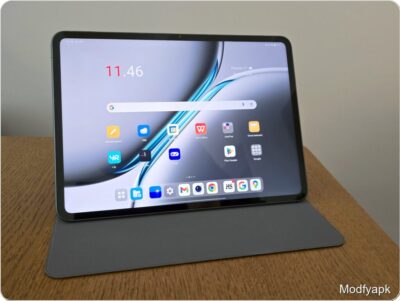
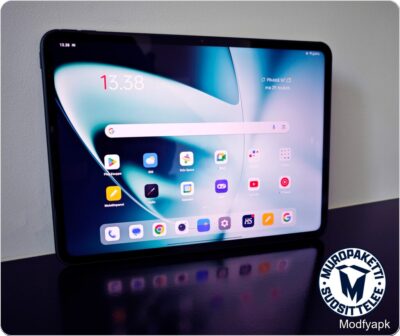
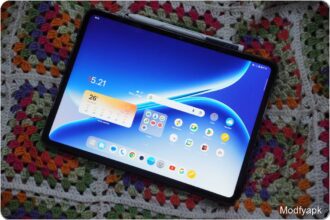
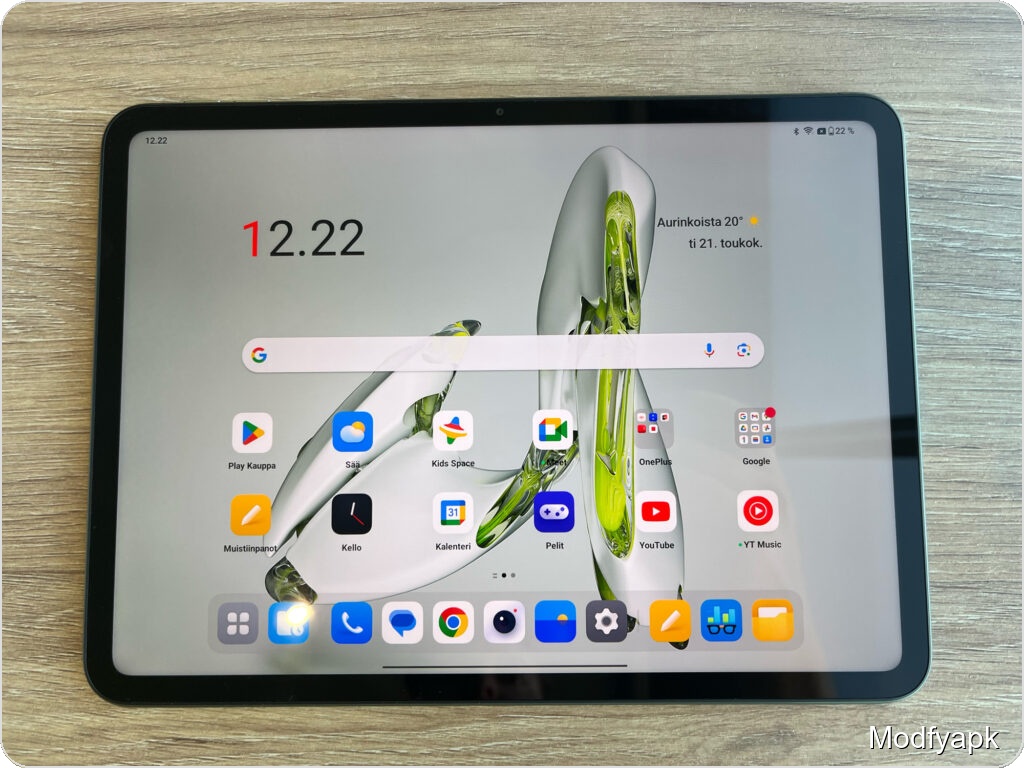
Outwardly the Pad Go closely resembles the larger Pad, and in the hand it feels unexpectedly high-end for the price. The aluminum chassis, rounded corners, and very thin profile convey a premium impression despite a small plastic panel on the back.
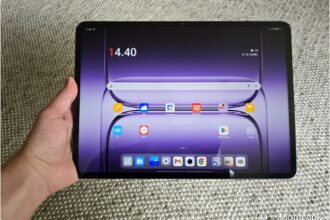
Dimensions are 255.12 x 188.04 x 6.89 mm and the tablet weighs just 532 grams. It is nearly the same size as the OnePlus Pad, though slightly thicker.
All physical buttons are clustered near the device’s top-left corner in landscape. The volume buttons sit on the long edge and the power button on the short edge, which also houses a combined nanoSIM and microSD slot. The Pad Go supports 4G LTE and microSD expansion up to 1 TB alongside the built-in 128 GB storage.
The USB-C port sits centered on the opposite short edge. The rear camera is centered near the top of the long edge, and the front camera is centered at the top of the display. The device has no IP rating.
Software and user experience
The Pad Go ships with OxygenOS 13.2, which largely mirrors Android 13. OnePlus promises two years of OS updates and three years of security updates. Given Android 13 is already nearly two years old, the update window is middling for this class.
OxygenOS offers split-screen and multi-window features that take advantage of the larger display, including using notes as a smaller overlay window. Those features would be more useful if the Pad Go supported the previous model’s keyboard and stylus accessories. Without accessory compatibility and with modest performance, the Pad Go is a poor fit for heavier work or school projects.
Display and audio
The Pad Go has an 11.35-inch LCD at 2408 x 1720 pixels and a 7:5 aspect ratio. Colors are sharp and realistic for the price, and the panel supports a 90 Hz refresh rate. Peak brightness is 400 nits, which is fine indoors but can struggle in direct sunlight.
The wider 7:5 ratio reads more like a square than the traditional 4:3 shape. That works well in portrait for reading, but when watching movies in landscape large black bars will eat up part of the screen.
Audio is clearly designed for landscape viewing. There are two speaker elements on each short edge, delivering stereo sound with Dolby Atmos support. For streaming, dialogue is especially clear and volume can reach levels suitable for group viewing, though bass is felt more in the palm than in the ear. Overall the speakers are excellent for the price.
Cameras and performance
Cameras are basic but adequate for tablet use. Both front and rear cameras are 8 MP and record 1080p video at 30 fps. They handle video calls and occasional selfies fine, and the simplified camera app includes a selfie mode that approximates portrait effects, but image quality lags behind many sub-200 euro smartphones.
Under the hood the Pad Go runs a MediaTek Helio G99 chipset. It performs well for everyday tasks but trails the OnePlus Pad’s processor in benchmarks. In PCMark Work 3.0 the Pad Go scored 8902, roughly 15% lower than the OnePlus Pad’s 10416. In Geekbench 6 the Pad Go posted 643 (single-core) and 1818 (multi-core), about 40% lower than the OnePlus Pad’s 1046 and 3130.
Battery and charging
The Pad Go packs an 8000 mAh battery and delivers excellent battery life. In casual use it lasted more than a week between charges. OnePlus claims up to 14 hours of continuous video playback or 40 hours of music playback.
The tablet supports SuperVooc charging up to 33 W, but the box includes only a USB-C cable, not a fast charger. Using an ASUS charger with equivalent output filled the battery to 100% in a little over an hour and three quarters.
Who should buy it
With strong speakers, a sharp screen, and long battery life, the OnePlus Pad Go is ideal for streaming, light gaming, and kids on long trips. The lack of accessory compatibility and modest performance rule it out as a serious productivity device or laptop replacement. Buyers looking for a tablet under 350 euros will find the Pad Go to be a very compelling option.
Pros and cons
Good
- Battery life
- Display
- Speakers
- SIM card slot
Bad
- Limited accessory support
- Weak performance