OnePlus Pad: practical tablet with a reasonable price
OnePlus has delivered a functional tablet that hits a sweet spot increasingly rare in the Android space. The OnePlus Pad covers the essentials well, but it also carries a few annoyances that keep it from being flawless.
The Android tablet market has split over the years into budget devices around a few hundred euros with obvious compromises, and higher-end models like Samsung’s Galaxy Tab S line that aim for productivity and start near 1,000 euros. Apple occupies its own segment, with current iPad models starting around 600 euros while older 9th‑generation units can be found at roughly 449 euros, slightly cheaper than the OnePlus Pad. Google’s Pixel Tablet exists but, at the time of writing, wasn’t sold in Finland.
That midrange sweet spot for Android tablets has been thinly represented. The OnePlus Pad goes after that gap—and it largely succeeds.
Display and design
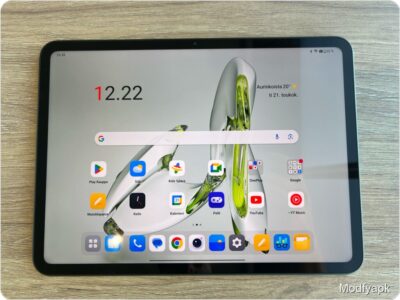
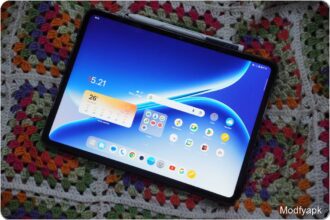
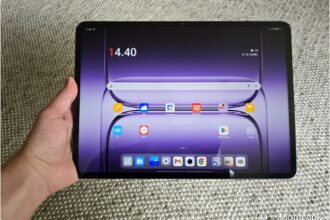
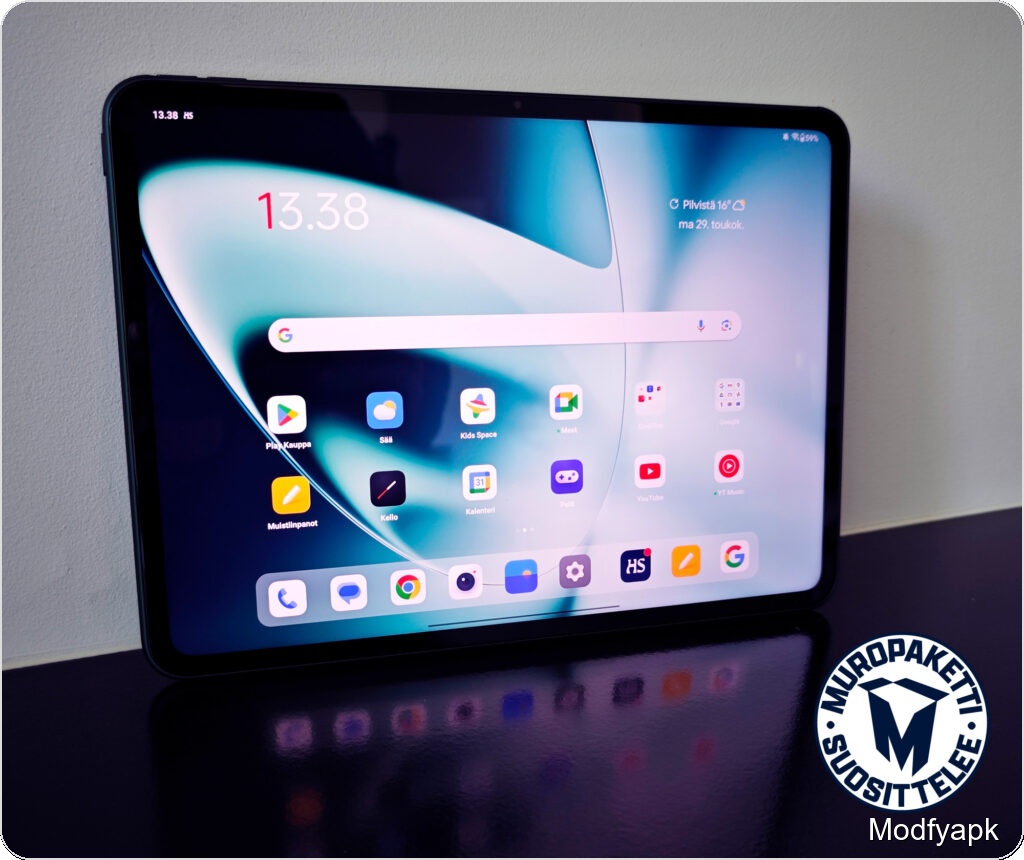
The Pad’s clear strengths start with the display. Its 7:5 aspect ratio is wider than typical tablets, making it versatile for both portrait and landscape use. Camera placement favors landscape, but the screen shape is handy for vertical browsing.
The IPS LCD measures 11.61 inches with a 2800 x 2000 resolution (about 296 ppi), ample for this size. OnePlus rates peak brightness at 500 nits and the panel supports Dolby Vision. The display refreshes at up to 144 Hz and can dynamically step through 30, 60, 120, and 144 Hz depending on content, which keeps interactions feeling smooth even if most apps do not utilize the top refresh rate.
That said, contrast and blacks are limited compared with OLED alternatives, and the panel’s 500‑nit maximum can be only just sufficient in bright sunlight. Color and viewing angles are otherwise good.
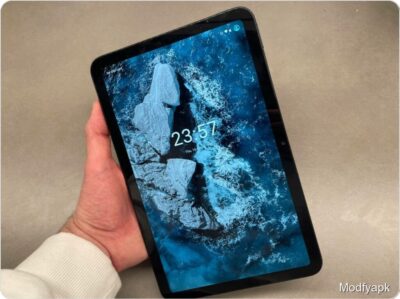
The tablet is thin and light-feeling. It measures 258 x 189.4 x 6.54 mm, weighs 552 grams, and has a rounded metal frame that makes it comfortable to hold. One edge is flattened and houses the magnetic attachment pins for the keyboard cover. Power and volume buttons sit near one corner on different sides and offer a solid, deliberate feel.
The green rear shell is eye-catching and tasteful, but the oversized camera bump is a design misstep. It protrudes noticeably and gets knocked easily, although it does not make the device wobble on a flat surface. The textured finish livens the look but attracts fingerprints and is not as easy to clean as a fully smooth back.
Cameras and audio
Camera capability is clearly secondary to the tablet’s other roles. The front camera is 8 MP and the rear camera is 13 MP; both offer electronic image stabilization. The front camera performs fine for video calls but is not intended as a selfie solution. The rear camera is useful for notes and casual snaps but is not a standout.
Speakers perform well in landscape, projecting outward to create a pleasing sense of space for video. Tonally the sound skews toward treble and vocals are clear, but bass is limited and the overall balance could be fuller for music listening.
Performance and battery
Under the hood sits the slightly older MediaTek Dimensity 9000, a high-end chipset from a couple of years ago. The Cortex‑X2 prime core clocks up to 3.05 GHz and includes 1 MB of L2 cache. Our benchmark results show solid performance for this class:
- PCMark Work 3.0: 10,416
- Geekbench 6: 1,046 (single‑core), 3,130 (multi‑core)
Those numbers translate to good real‑world performance. The Pad handled multitasking and gaming smoothly, and it launches into Hyperboost gaming mode automatically when supported titles start.
The 9,510 mAh battery delivered about 14 hours of HDR video playback over Wi‑Fi in our test. Charging speed depends on the charger you use. With a OnePlus Supervooc charger the tablet reaches full charge quickly; in our test a charger included with a OnePlus 11 filled the battery in about 1 hour 20 minutes. The Pad supports up to 67 W Supervooc charging, while other chargers are capped at 27 W.
Software and tablet features
OnePlus ships the Pad with OxygenOS 13.1, based on Android 13, and the software includes tablet‑focused features. In three weeks of use this was the first Android tablet in a long time that did not regularly trigger frustration with app behavior or sluggish tablet UI; that is an encouraging foundation.
That said, app layout on the large screen is not always ideal. Icons and widgets can waste space, and some Android apps still run in phone-optimized layouts. OnePlus includes useful multitasking gestures, such as a two‑finger swipe to split supported apps or floating windows via its S‑Gestures, which help power users get more from the larger display.
Occasional frame stutters appeared while browsing pages containing both text and video, as if the system briefly hesitated about the optimal refresh rate. These stutters were usually brief and not persistent.
Updates and security
Software support is better than many Android tablets. OnePlus promises three major OS updates; the Pad will move from Android 13 to Android 16 during its update cycle. Security updates are covered for four years, giving the device a decently long expected lifespan for its price point.
Biometrics and accessories
The Pad does not include a fingerprint reader. Face unlock is available and reasonably fast in well‑lit conditions, but it is less secure than a fingerprint sensor. You can of course use a PIN or password, though that is slower in daily use.
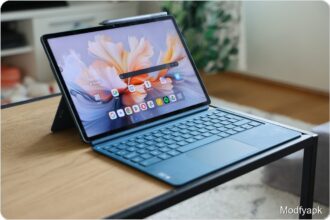
Accessories are available at launch. The OnePlus Magnetic Keyboard cover costs 149 euros and proved a capable typing solution despite lacking a Scandinavian keymap. The small trackpad works well for gesture control but is sensitive and can cause accidental cursor jumps in tight typing spaces. With the keyboard attached the tablet-plus-cover weighs about 905 grams, which approaches ultrabook territory. Magnetic attachment could be stronger; the tablet detached unintentionally from the cover several times during testing.
Other accessories include a Pad Case cover for 69 euros, an 80 W Supervooc charger for 39 euros, and the OnePlus Stylo active stylus for 99 euros. No charger is included in the box; the tablet will charge at up to 67 W only with a Supervooc‑compatible charger, otherwise it is limited to 27 W.
Verdict
The OnePlus Pad is a strong option at its 499 euro price. Lower‑cost Android tablets exist, but they require larger tradeoffs in features and performance than the OnePlus Pad. The base iPad is pricier except for older Apple models, which bring a more integrated ecosystem but at a higher entry cost for new buyers.
For everyday web browsing and casual gaming, and for users who do not demand flawless media playback or an ultra‑deep camera system, the OnePlus Pad earns a recommendation. It offers good performance, a roomy and responsive screen with caveats, decent speakers, rapid charging with the right charger, and a credible update promise—making it a compelling midrange Android tablet.
Pros and cons
Good
- Pleasant, solid feel
- Plenty of performance for general use
- Sensible price point
- Reasonable update commitments for a tablet
- Useable, fast display with reservations
- Excellent charging speed with OnePlus charger
Bad
- Oversized camera bump
- No fingerprint reader
- Media playback has limitations