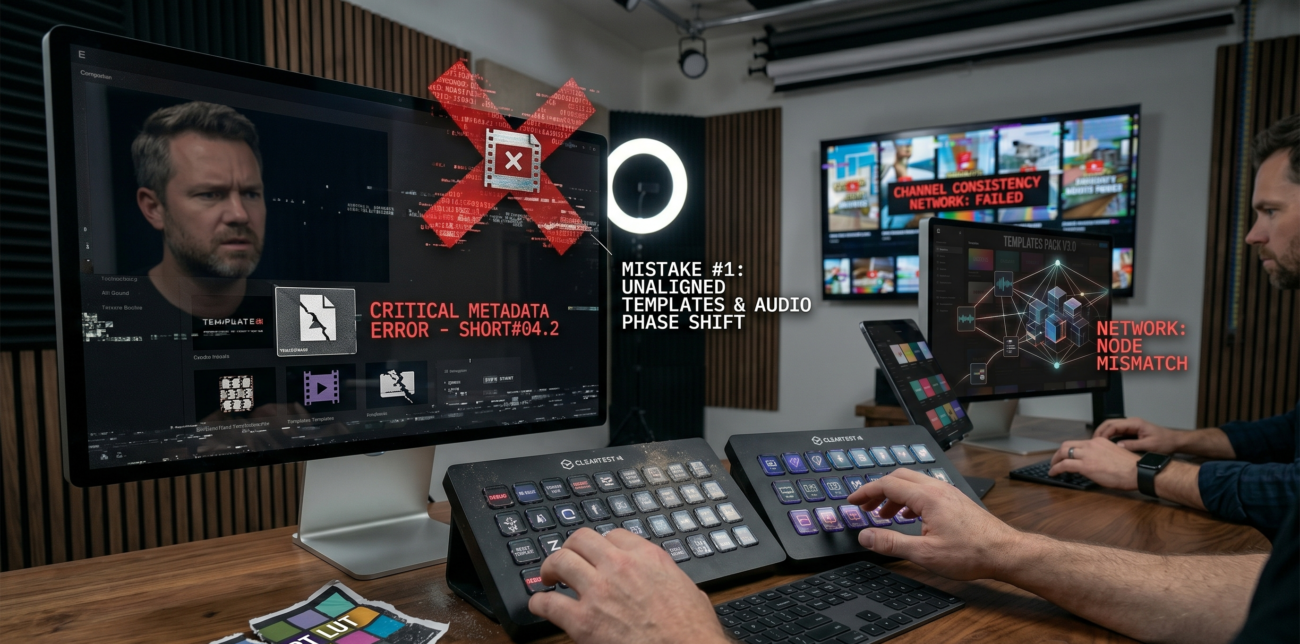
A coding channel with 80K subscribers noticed a 15% drop in audience retention after switching to mobile editing workflows. The culprit? Poor export settings and overlooked vertical video constraints.
This isn’t an isolated case. Across multiple Shorts channels, creators are unknowingly degrading their content quality during post-production.
YouTube Shorts demand technical precision. One wrong setting can trigger a cascade of issues. Let’s dissect the most common pitfalls and their solutions.
Why does your crisp shot look blurry after upload?
It’s common to see Shorts appear pixelated immediately after publishing. YouTube initially processes videos in standard definition (SD) before upgrading to HD. But the real villain often lurks in your phone’s camera settings.
Variable frame rate (VFR) in smartphone cameras introduces audio-video sync issues. A 30 fps constant frame rate (CFR) prevents motion judder. For action-heavy content like dance tutorials or gaming clips, 60 fps ensures smooth playback. Disable auto frame rate adjustments in your camera app.
Vertical Video
Shorts require strict adherence to the 9:16 vertical format. Cropping horizontal footage to fit vertical dimensions wastes resolution. Key elements must stay within the central frame zone. YouTube overlays channel names, captions, and buttons along the bottom edge. Keep critical visuals 10% away from the top/bottom boundaries.
Resolution and Bitrate
Recording in 4K future-proofs your content. If unavailable, stick to 1080p. Bitrate settings directly impact clarity. For 1080p30, aim for 8 Mbps. Action sequences need 12 Mbps for 1080p60. Under-compression causes artefacts. Over-compression wastes bandwidth.
Video quality on Shorts hinges on these technical choices. A gaming tutorial channel with 150K subscribers saw a 22% boost in watch time after correcting export settings.
The Export Settings Checklist
| Setting | Recommended Value |
| Format | MP4 |
| Codec | H.264 |
| Resolution | 1080×1920 (9:16 vertical) |
| Frame Rate | 30 fps Standard / 60 fps for fast-paced content |
| Bitrate | 8 Mbps for 1080p30 / 12 Mbps for 1080p60 |
| Audio Codec | AAC-LC |
| Audio Sample Rate | 48 kHz |
| Audio Bitrate | 128–384 kbps |
Maintaining a high-quality master file (ProRes, DNxHD) for archiving is essential. Export separate delivery files using these specs.
Fixing Quality Issues: When Prevention Fails
Poor lighting and shaky shots cannot be fixed in post. But tools like a compression problem can be addressed. AI-powered enhancers like TotalMedia VideoEnhance reconstruct details. Frame interpolation smooths choppy cuts. Upscaling from 1080p to 4K tricks YouTube’s encoder into better processing.
Check Reddit discussions for real-world examples. Creators report mixed results. Some see marginal gains. Others achieve dramatic improvements.
Lighting and Exposure: The Underestimated Factors
High ISO settings introduce noise. Use external lights in dim environments. Adjust exposure manually. Avoid backlighting subjects. Test shots before finalising edits.
Audio Quality: The Silent Killer
Poor audio drives viewers away faster than bad visuals. External mics improve clarity. Monitor audio levels during recording. Compress dialogue to -6 dB LUFS.
The Algorithm’s Dirty Secrets
YouTube’s Explore/Exploit model prioritises high-retention content. Shorts with sharp visuals and crisp audio perform better. Audience retention metrics penalise creators who ignore technical basics.
A beauty tutorial channel with 200K subscribers lost 30% of its audience in the first 3 seconds. The fix? Reinstalling Adobe Premiere Rush and recalibrating export presets.
Monetisation Milestones and Quality Thresholds
YouTube Partner Program requires 1K subscribers and 4K watch hours. But monetisation isn’t just about numbers. Low-quality Shorts get buried in recommendations. Creators must meet baseline quality standards to unlock revenue potential.
Official support threads confirm these thresholds. Poor-quality content fails YouTube’s quality gates.
The Seven Growth-Killing Mistakes
Beyond technical errors, strategic missteps sabotage Shorts’ growth:
Mistake #1: Ignoring Niche-Specific Patterns
A cooking channel mimicking a gaming Shorts format saw 40% lower engagement. Study your niche. Use Quora data to identify trending styles.
Mistake #2: Reusing Horizontal Content
TikTok downloads repurposed for Shorts lose vertical framing—Recontextualise content. Add platform-specific hooks and captions.
Mistake #3: Neglecting Analytics
A fitness channel missed a spike in drop-off rates. YouTube Analytics revealed shaky handheld shots. Tools like Subscribr identify top-performing formats.
Mistake #4: No Long-Form Integration
Shorts drive traffic to full videos. Link related content in descriptions. Use end screens for cross-promotion.
Mistake #5: Overlooking Compression Artefacts
A low-bitrate file introduces blockiness. Monitor bitrate during export. Use lossless intermediates when possible.
Mistake #6: Poor Caption Placement
Text cut off by YouTube overlays frustrates viewers. Keep captions centred. Test on multiple devices.
Mistake #7: Inconsistent Publishing Schedules
The algorithm favours active creators. Post daily. Maintain a content calendar.
Final Pre-Publish Checklist
- Record in 9:16 vertical format.
- Set constant frame rate (30/60 fps).
- Export in MP4 with H.264 codec.
- Use an 8-12 Mbps bitrate for 1080p.
- Audio: AAC-LC at 48 kHz.
- Check for grain/noise on mobile screens.
- Keep key visuals away from screen edges.
The Bottom Line
Technical perfection isn’t optional. YouTube Shorts rewards creators who master resolution, bitrate, and format constraints. Study higher-quality processing tutorials. Test tools like TotalMedia’s re-encode every video solution.
Quality issues aren’t always your fault. But they’re always your responsibility. Fix them before hitting publish.